
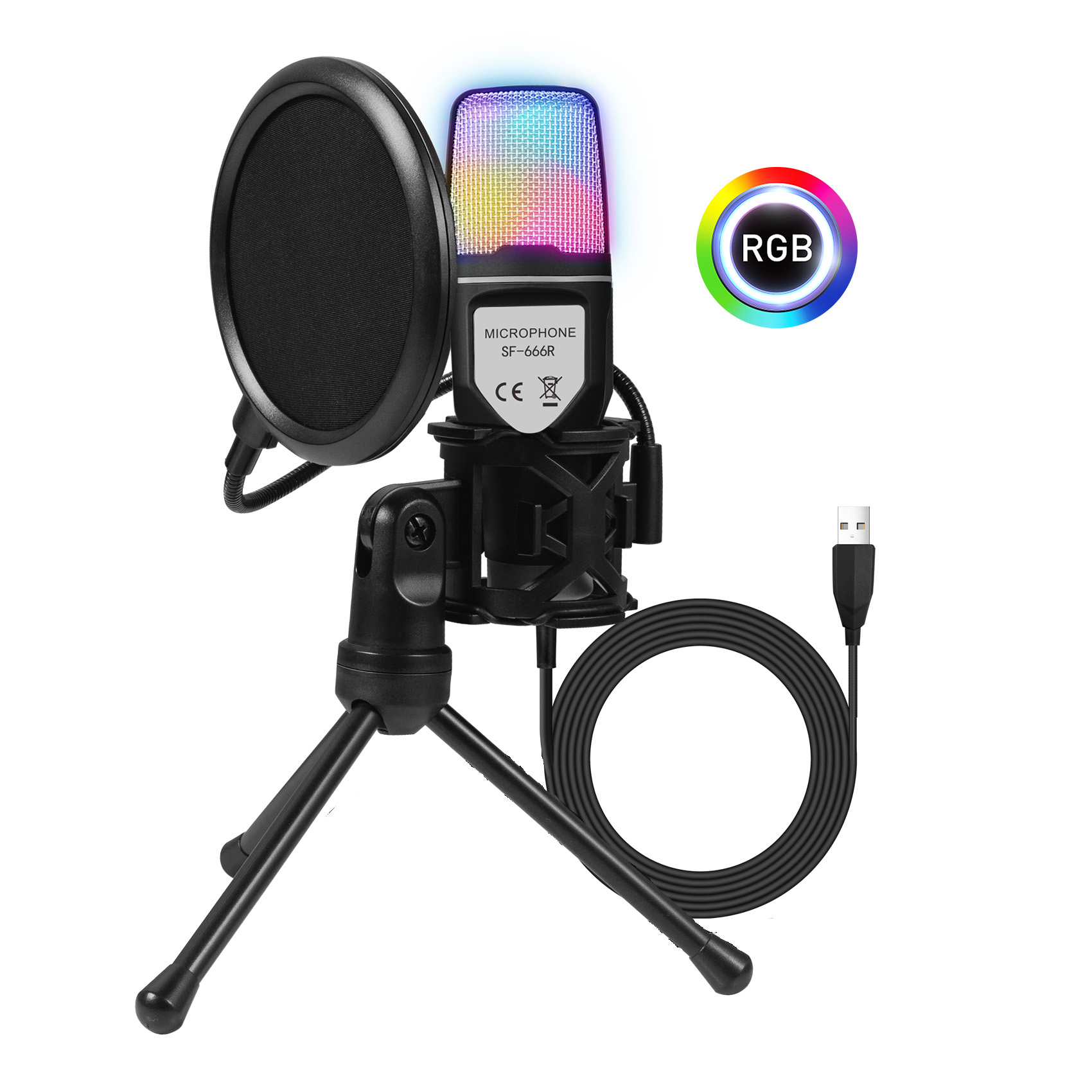
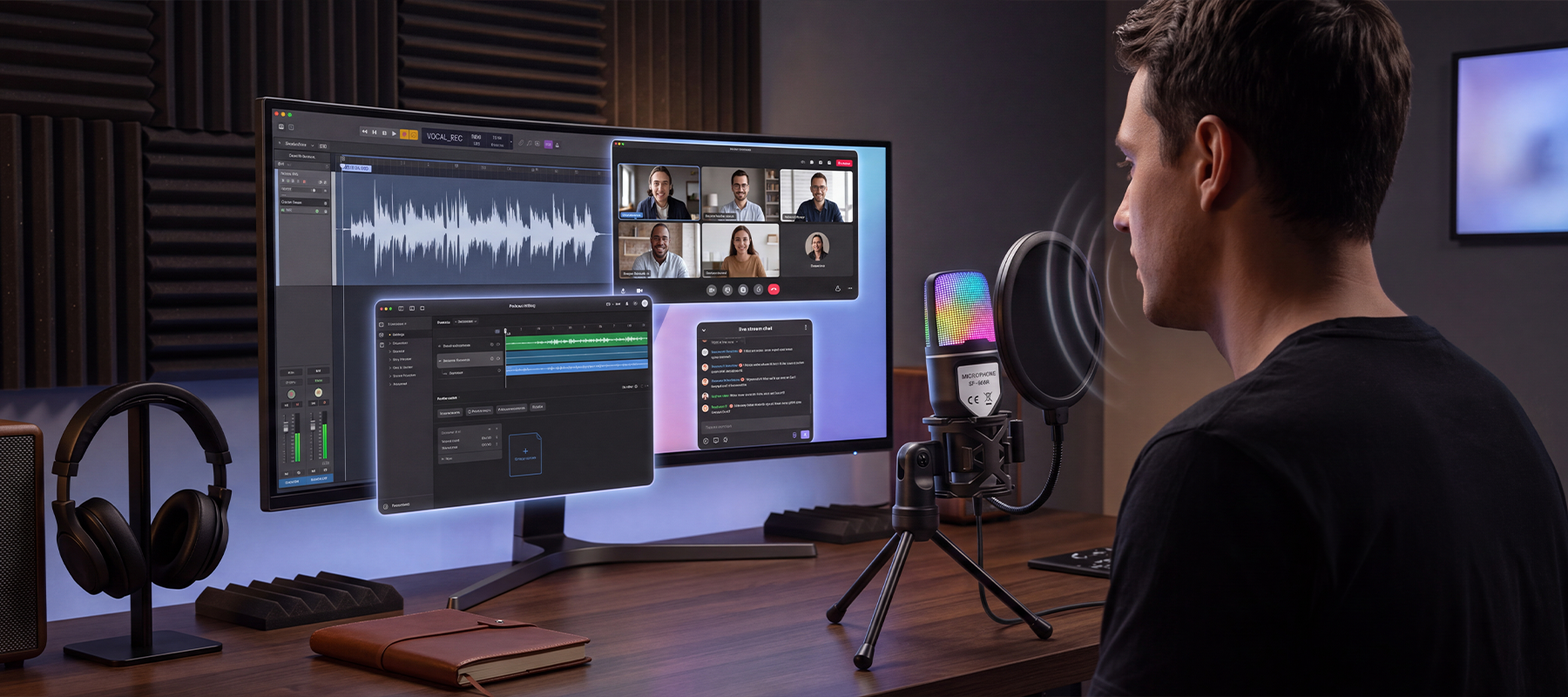
Plosives, breathing sounds, background noise, and muffled vocals can quickly ruin the quality of your streams, gaming chats, and recordings. Clean, consistent audio helps your voice sound clearer and more natural, making every conversation, broadcast, and recording easier and more enjoyable to listen to.
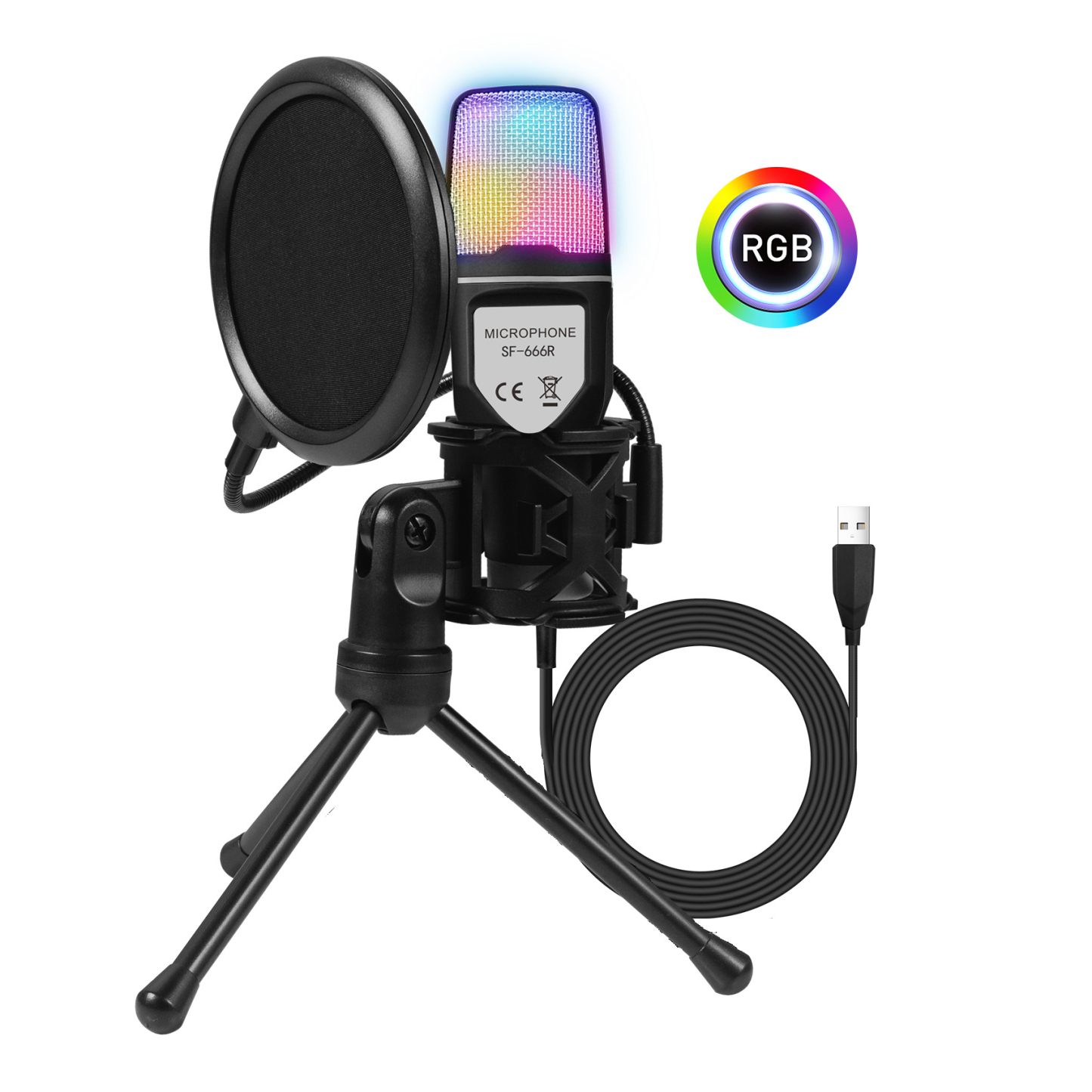
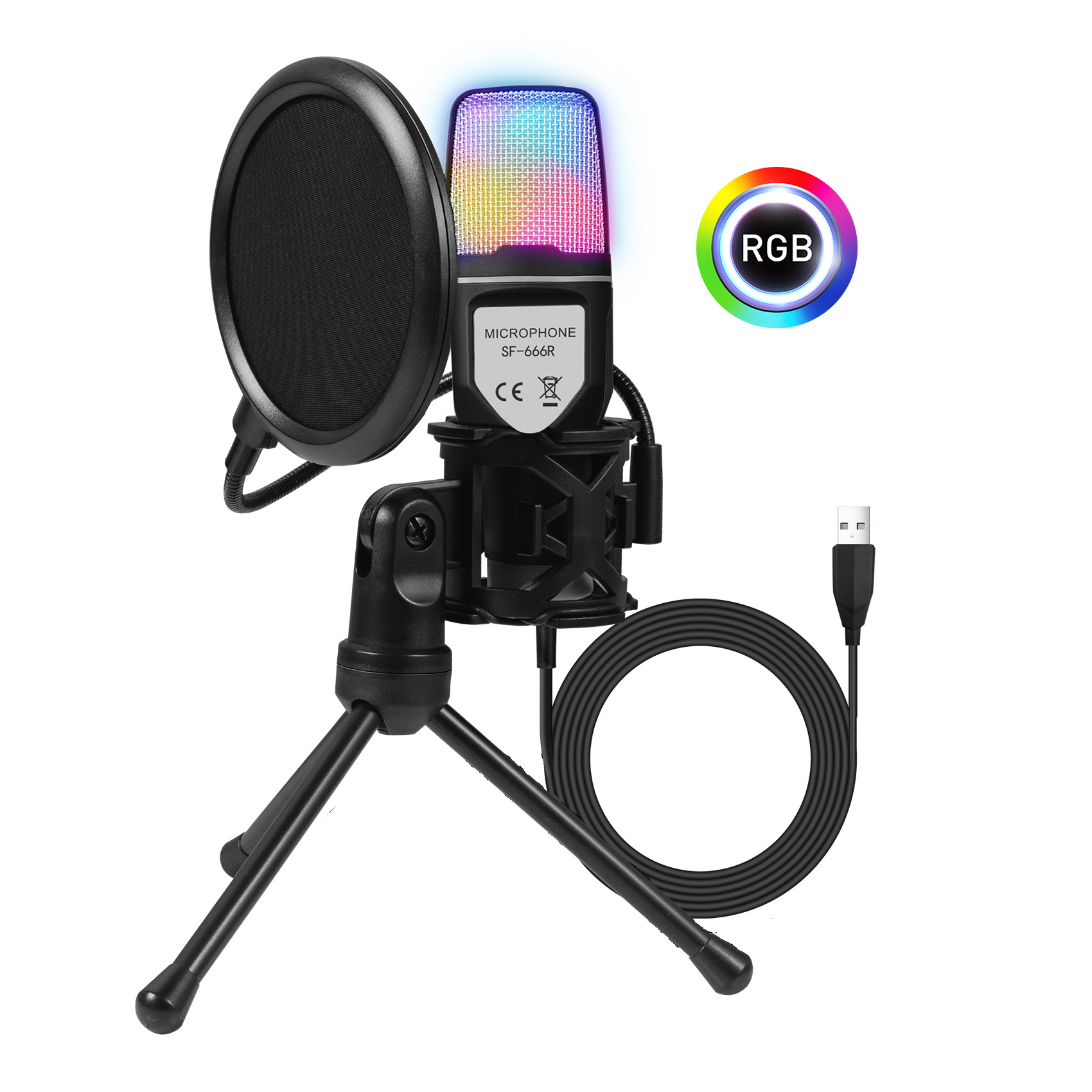
Nodea RGB USB Condenser Mic
Nodea RGB USB Condenser Mic- Capture Every Word Clearly and Bring More Immersion to Every Stream, Game, and Creation.
£99,999.00 GBP
Quantity
- Condenser Sound - Captures clear, natural vocals with rich detail.
- Dual-Layer Noise Filtering - Reduces wind, plosives, and breathing noise for cleaner audio.
- USB Plug & Play - No drivers needed—just connect and start.
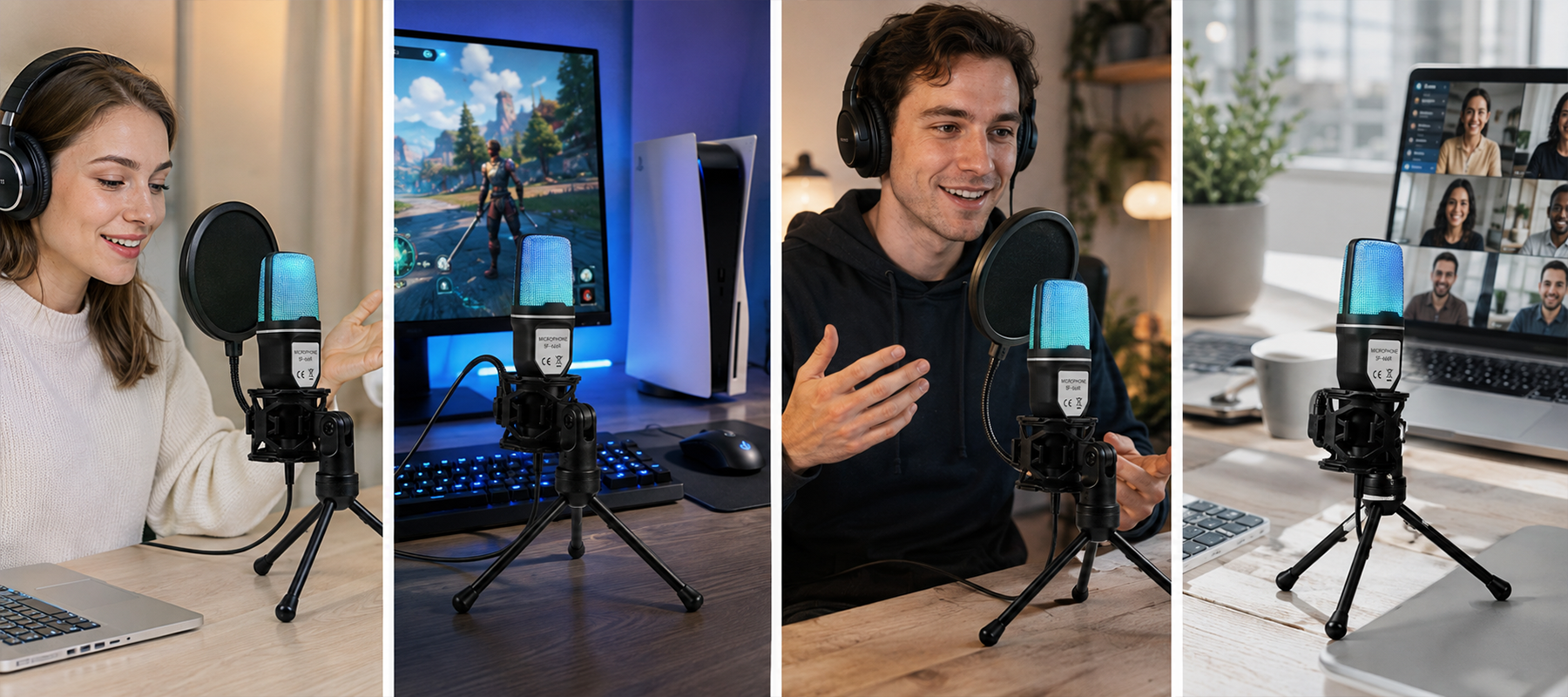
- Wide Compatibility - Works with Windows, Mac, PS4, PS5, and more.
- Adjustable RGB Lighting - Adds immersive color to your gaming or streaming setup.
- Flexible Stand - Easy angle adjustment with a stable, space-saving design.

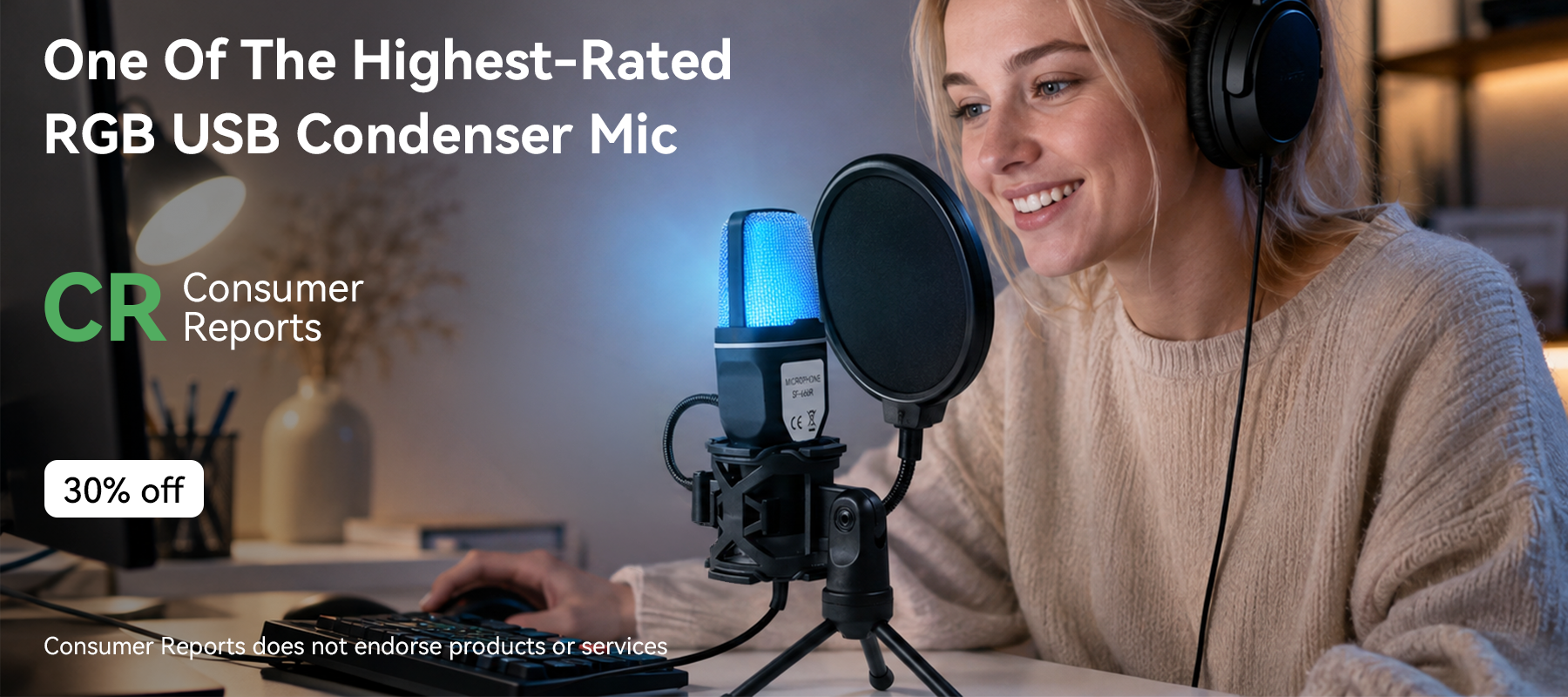
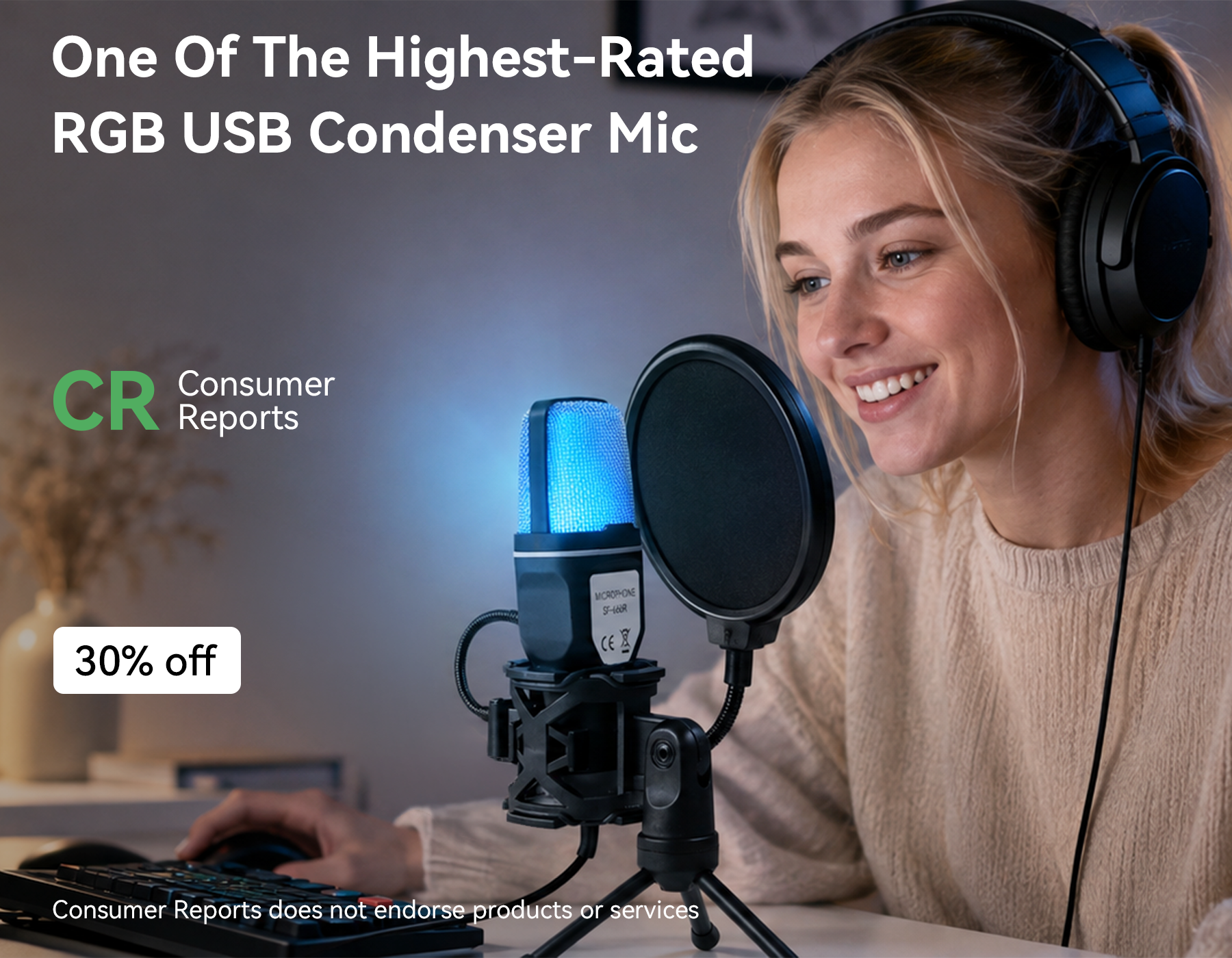
Make Every Word Sound Clear
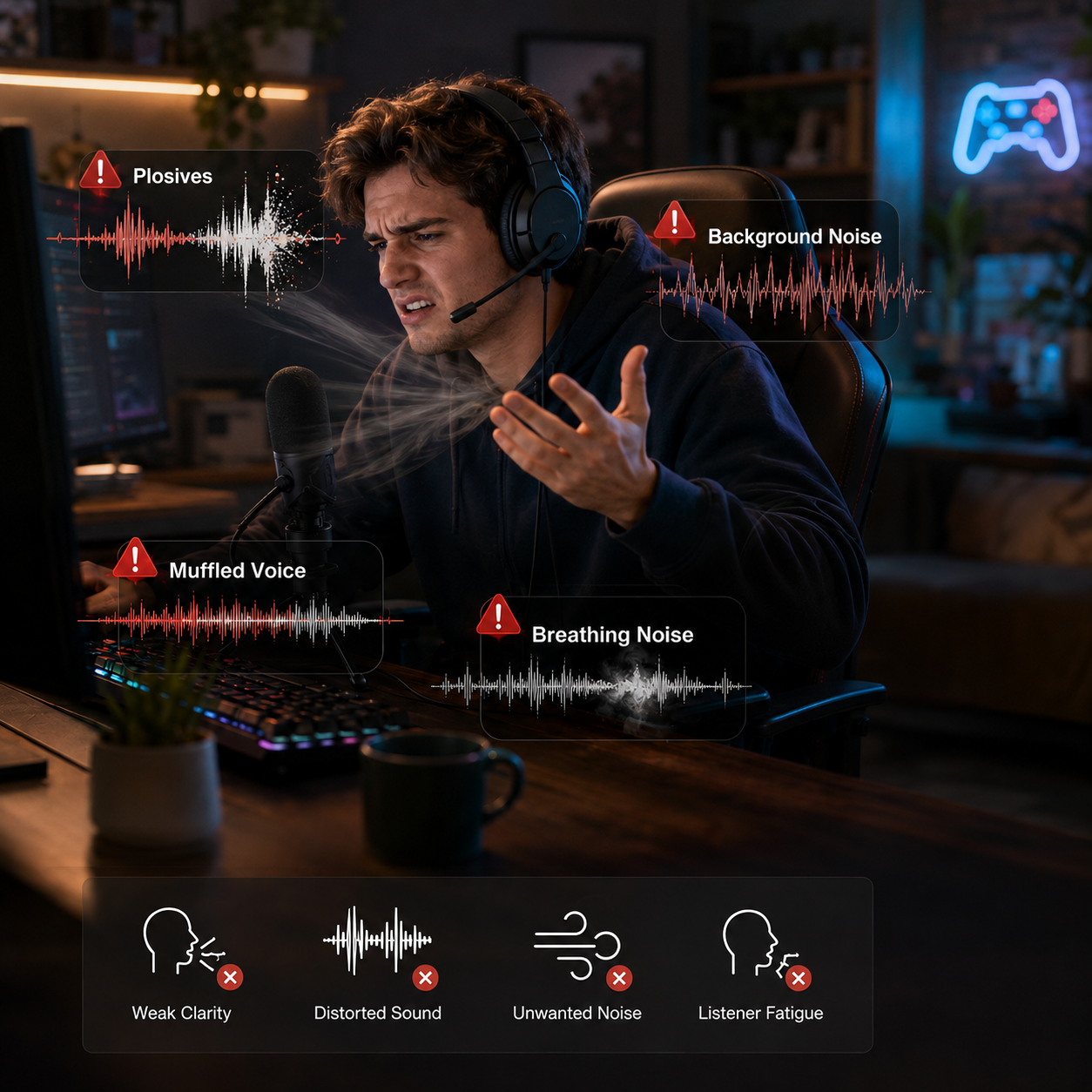
Don't Let Noise Ruin Your Voice
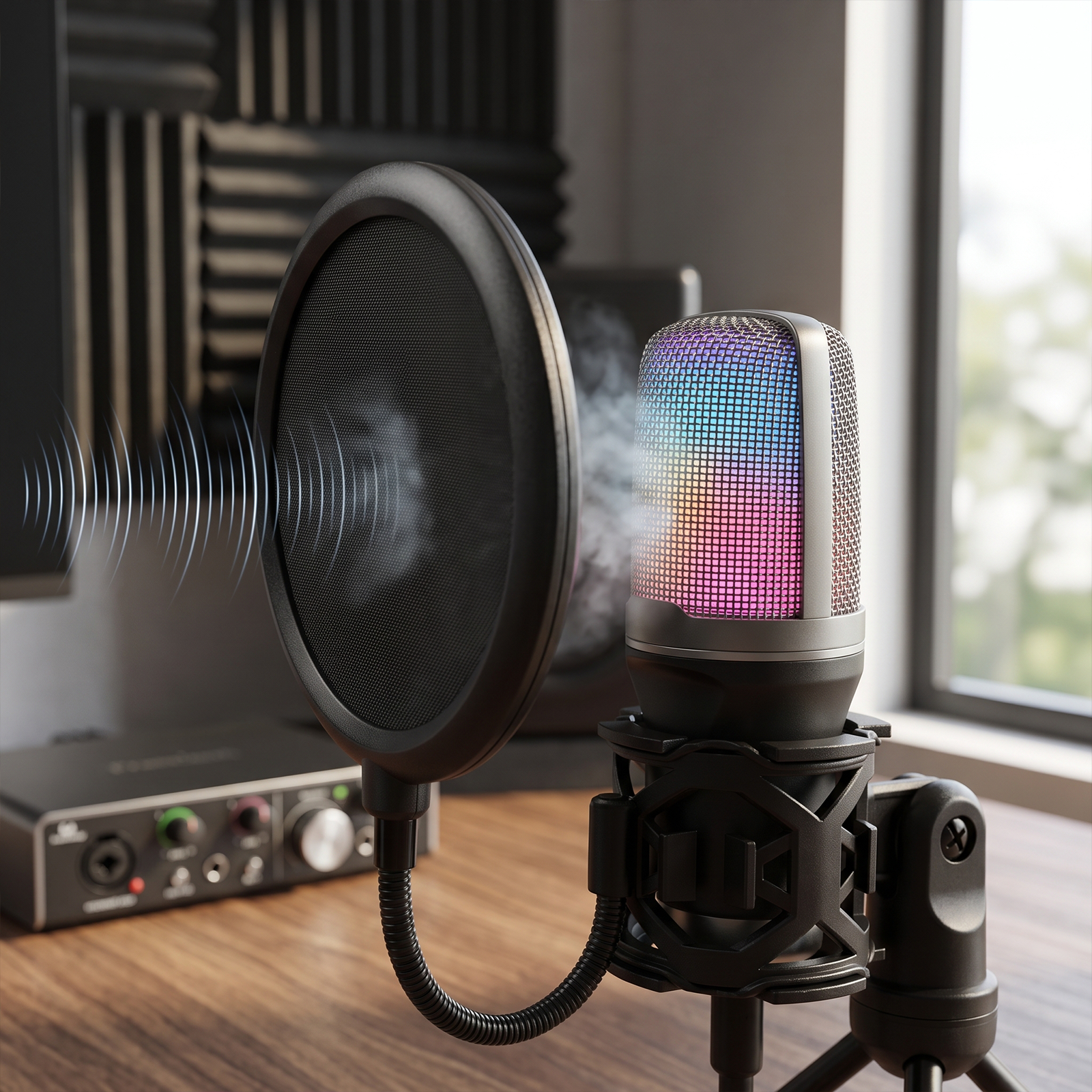
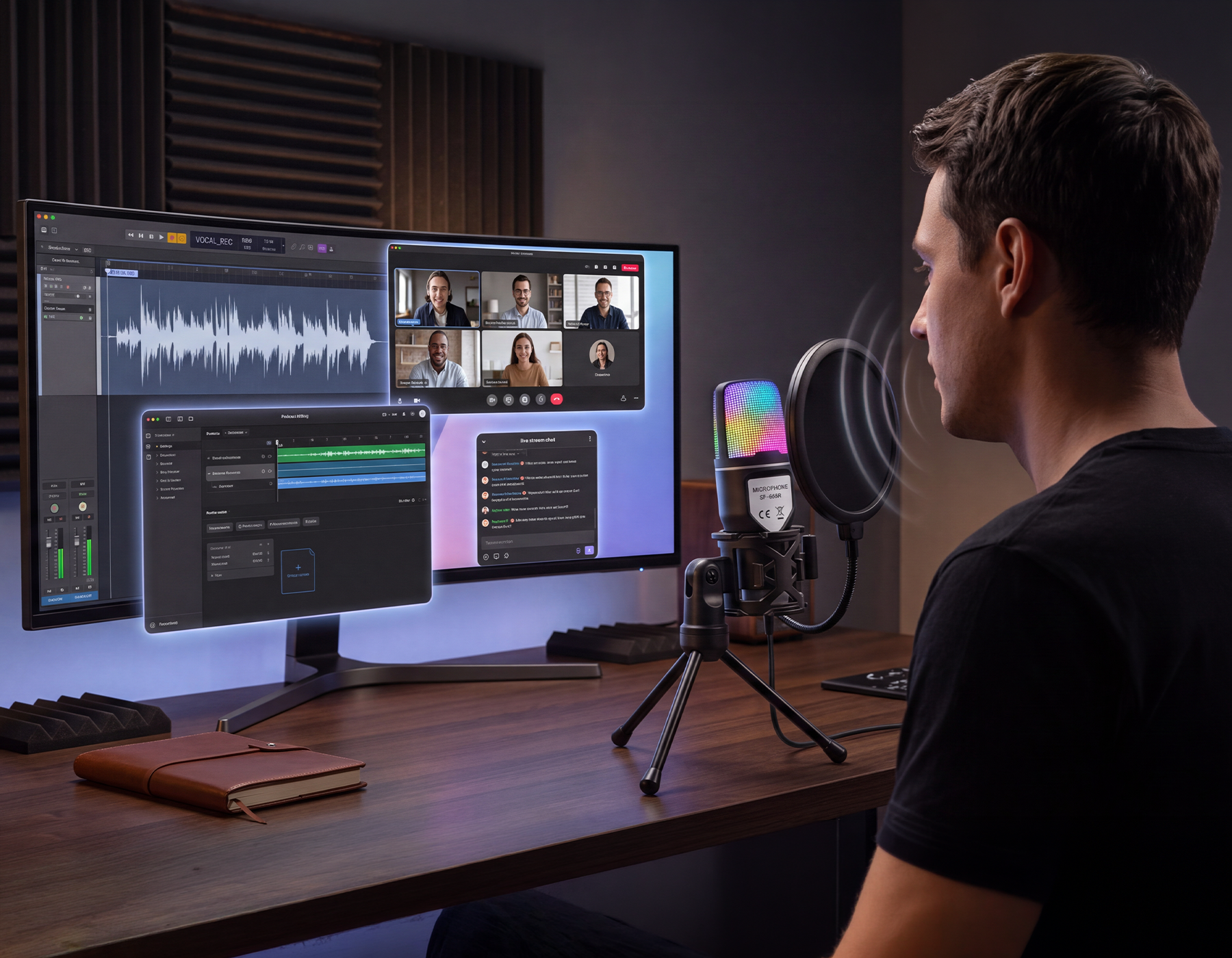
Dual-Layer Filtering for Cleaner Sound
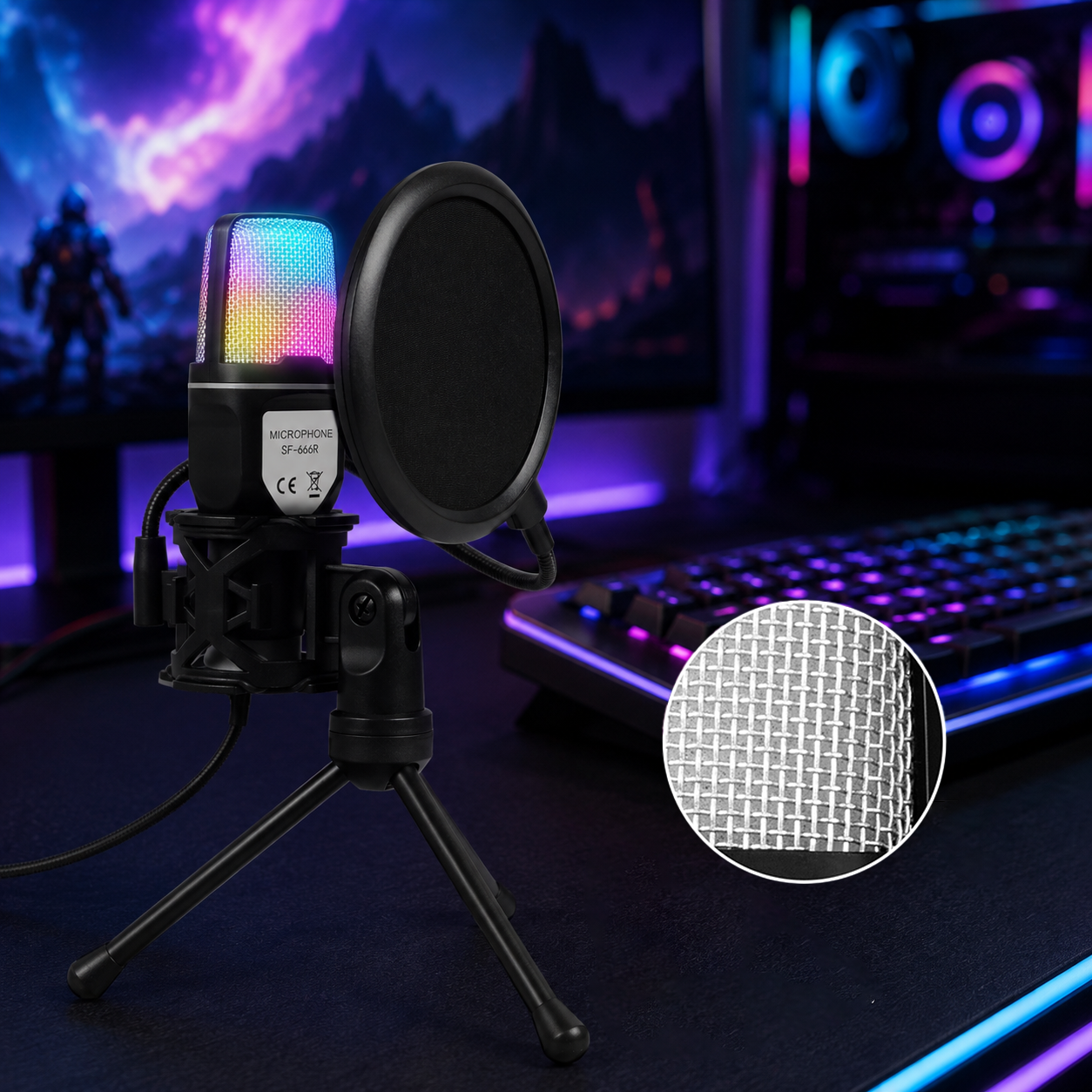
High-Sensitivity Pickup for Richer Detail
Professional Recording Quality for a More Polished Sound
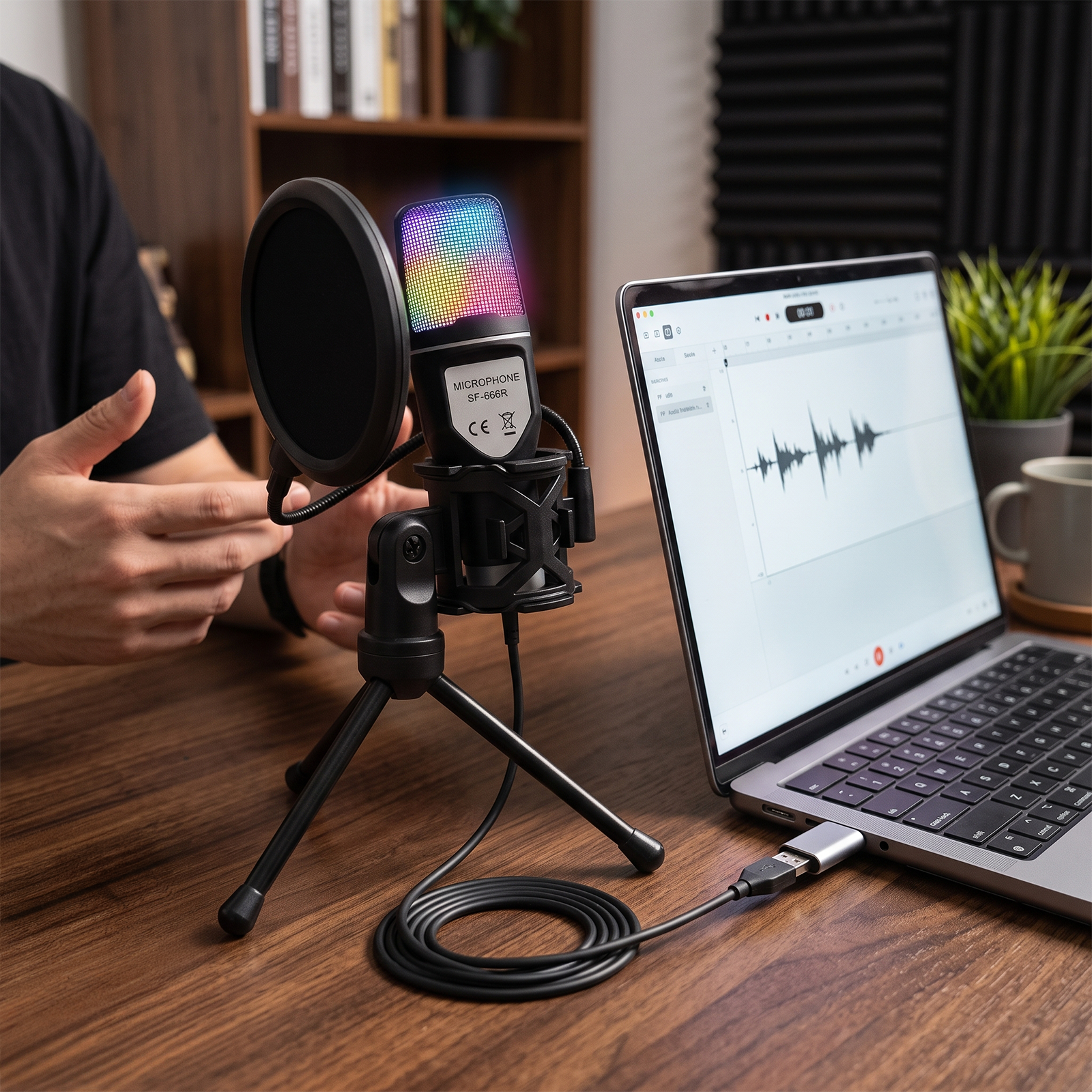
Plug In & Start Creating
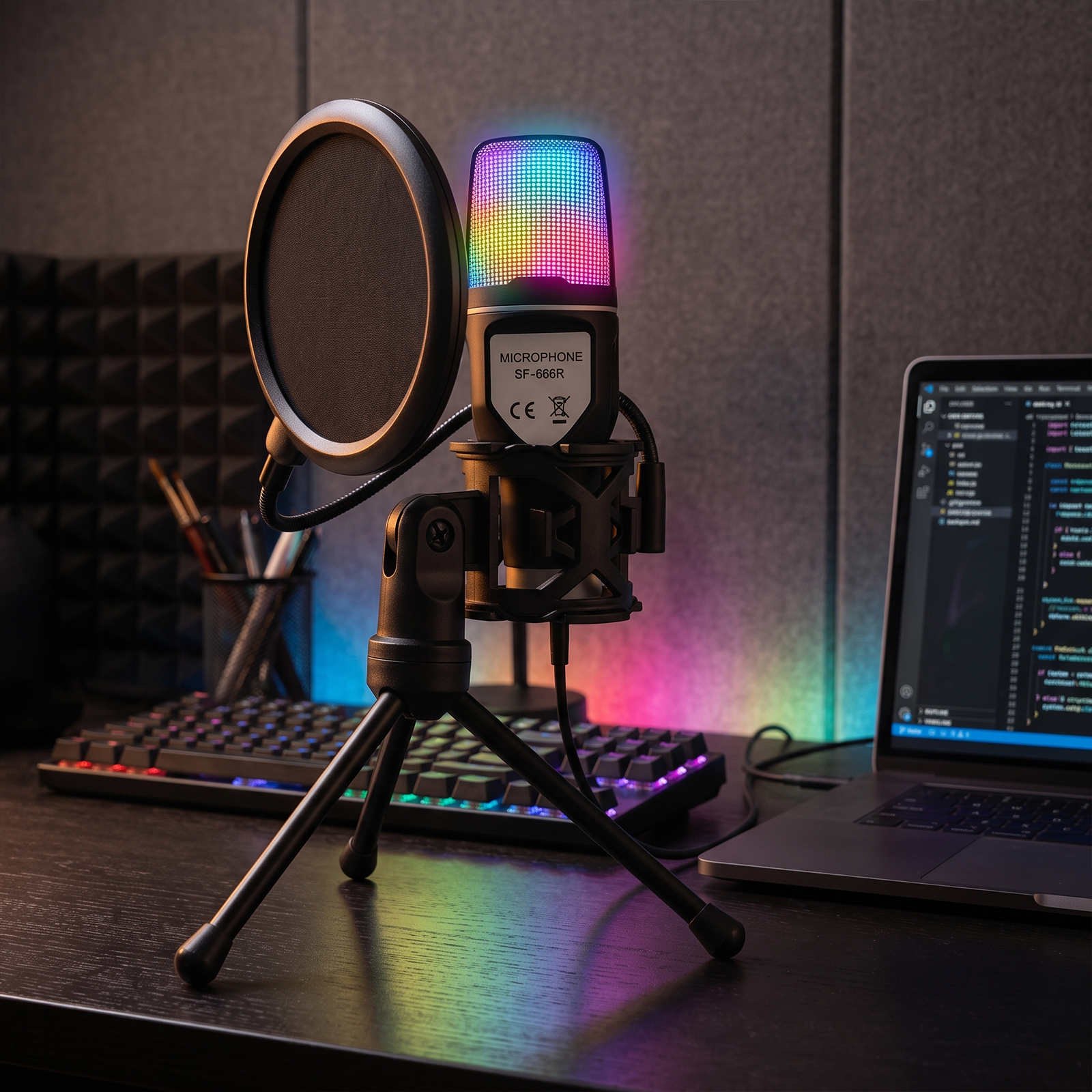
RGB Lighting for a More Immersive Setup
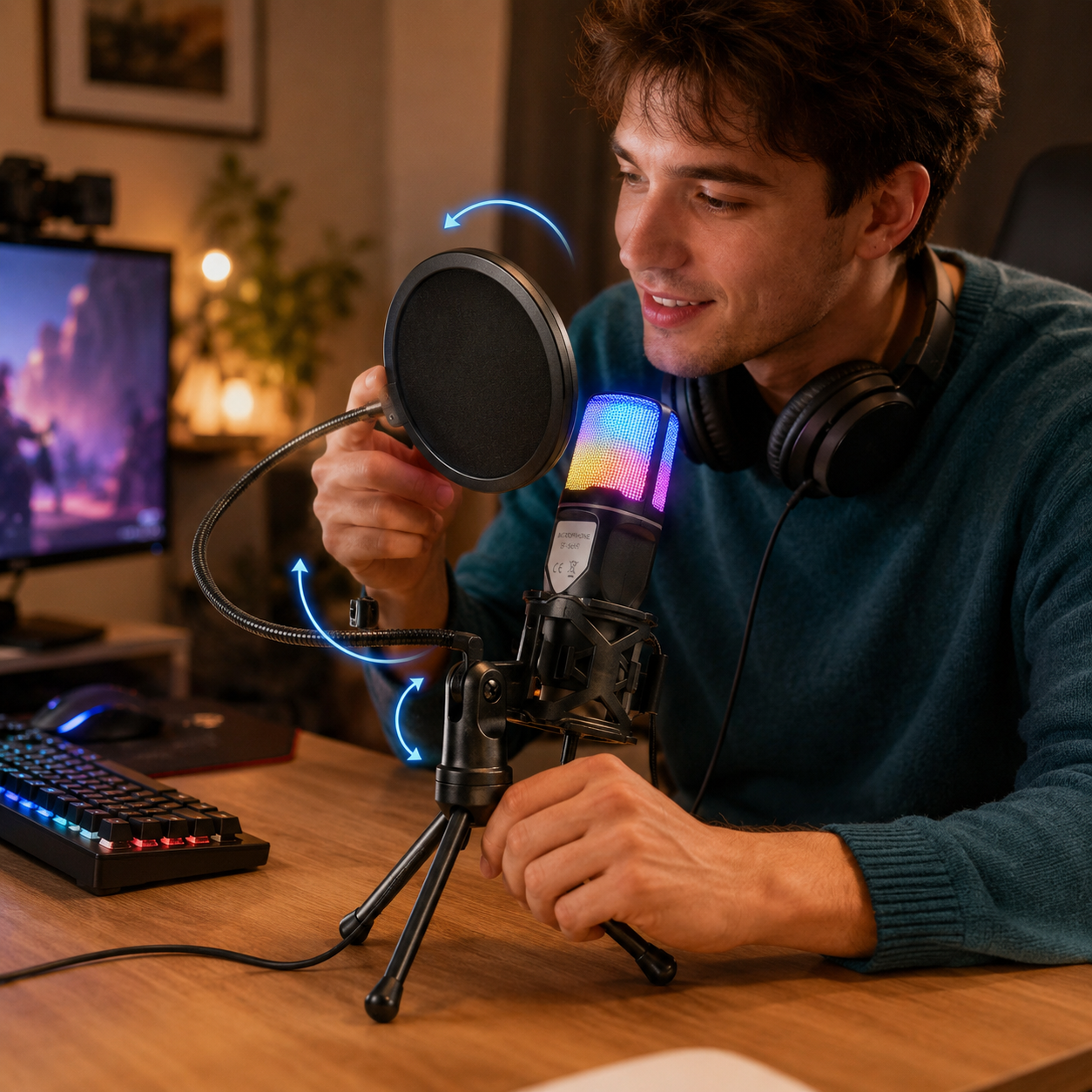
Flexible, Foldable & Easy to Store
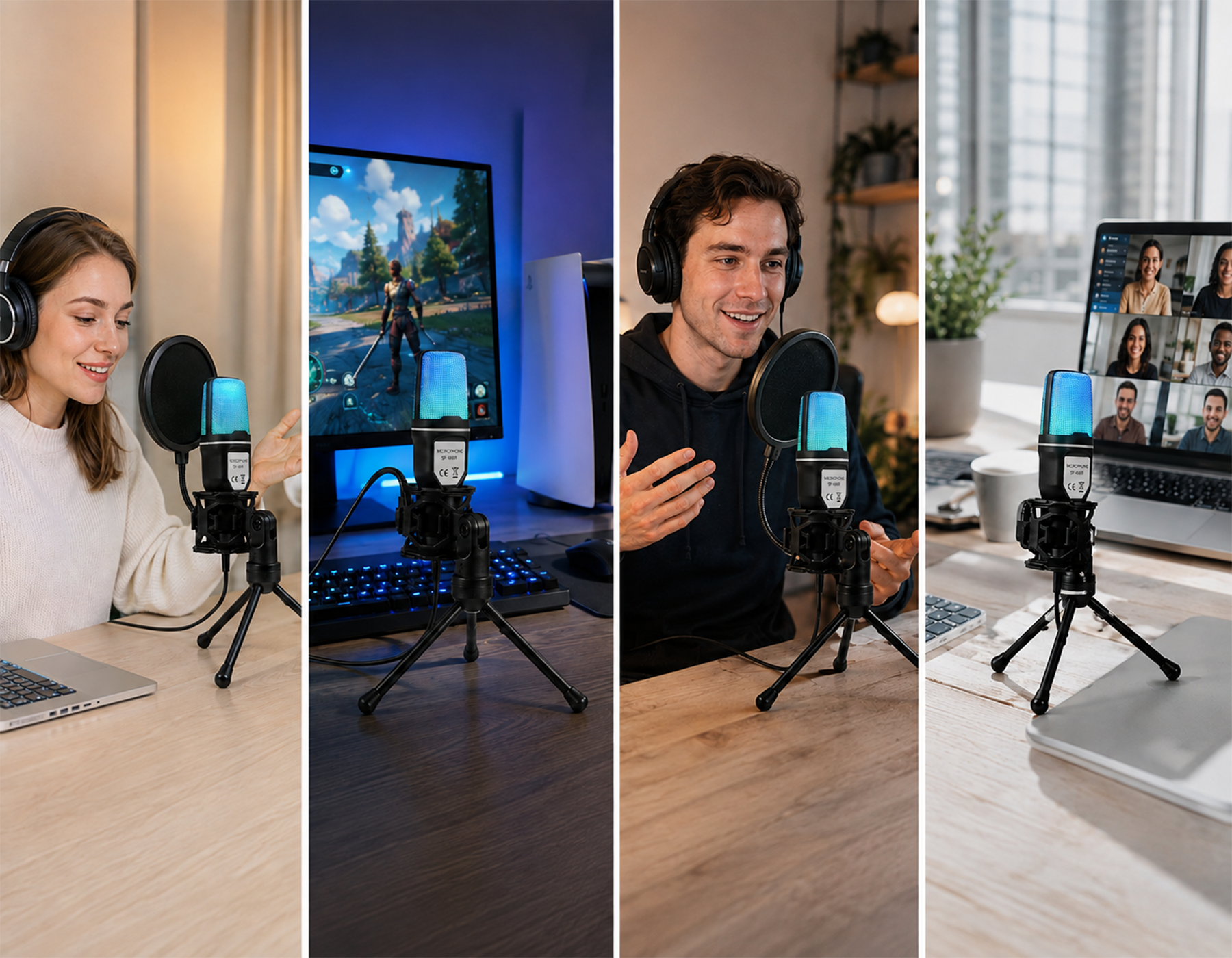
One Mic for Every Moment
Frequently Asked Questions
Our customer support is available Monday to Friday
Average answer time: 24h
Average answer time: 24h
How close should I be to the microphone?
Around 6–8 inches is a good starting point, then adjust based on your voice level.
Can I use it with Discord, Zoom, or in-game chat?
Yes. Just select the microphone as your input device in the app’s audio settings.
Why do other people hear an echo?
Echo is often caused by speaker sound feeding back into the mic. Using headphones and adjusting input levels can help.
Why isn’t the microphone picking up sound after I plug it in?
Check your system or app audio settings, select the USB microphone as the input device, and make sure microphone permissions are enabled.
Will it pick up keyboard noise?
It may pick up some keystrokes if placed too close, so position the mic away from the keyboard and adjust the angle.
Can I use it without a professional studio?